AI Image Generator
Create images from text prompts for ads, posters, products, portraits, illustrations, and social media content.
Generate images from text, edit photos, upscale details, and transform visuals with GPT Image 2. Start free with browser-based workflows for product ads, posters, headshots, ecommerce visuals, and social media creatives.
Describe your idea
Output Number
Aspect Ratio
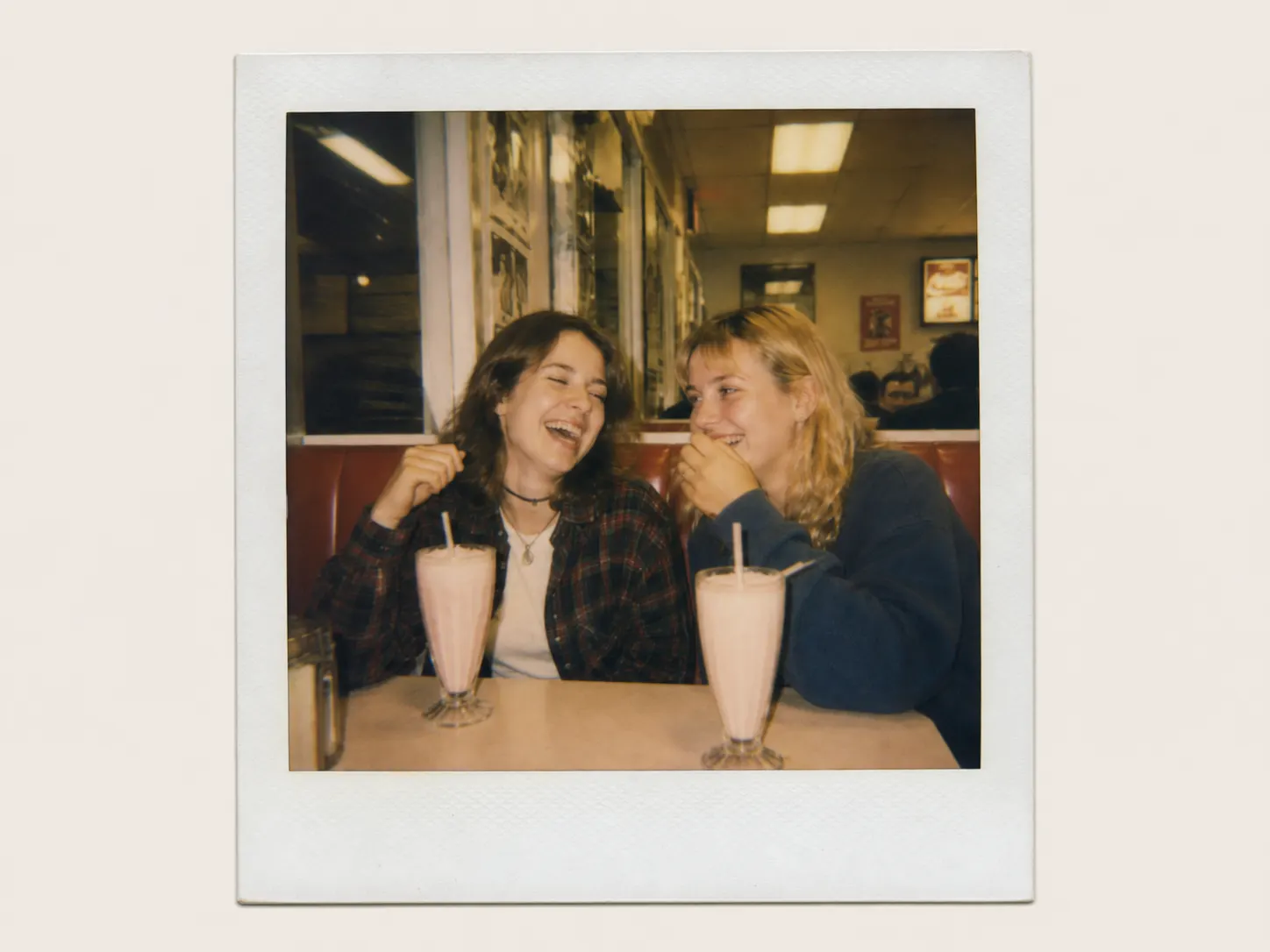

Use GPT Image 2 to turn prompts, reference images, and product ideas into polished visuals for marketing, ecommerce, social media, and creative projects.
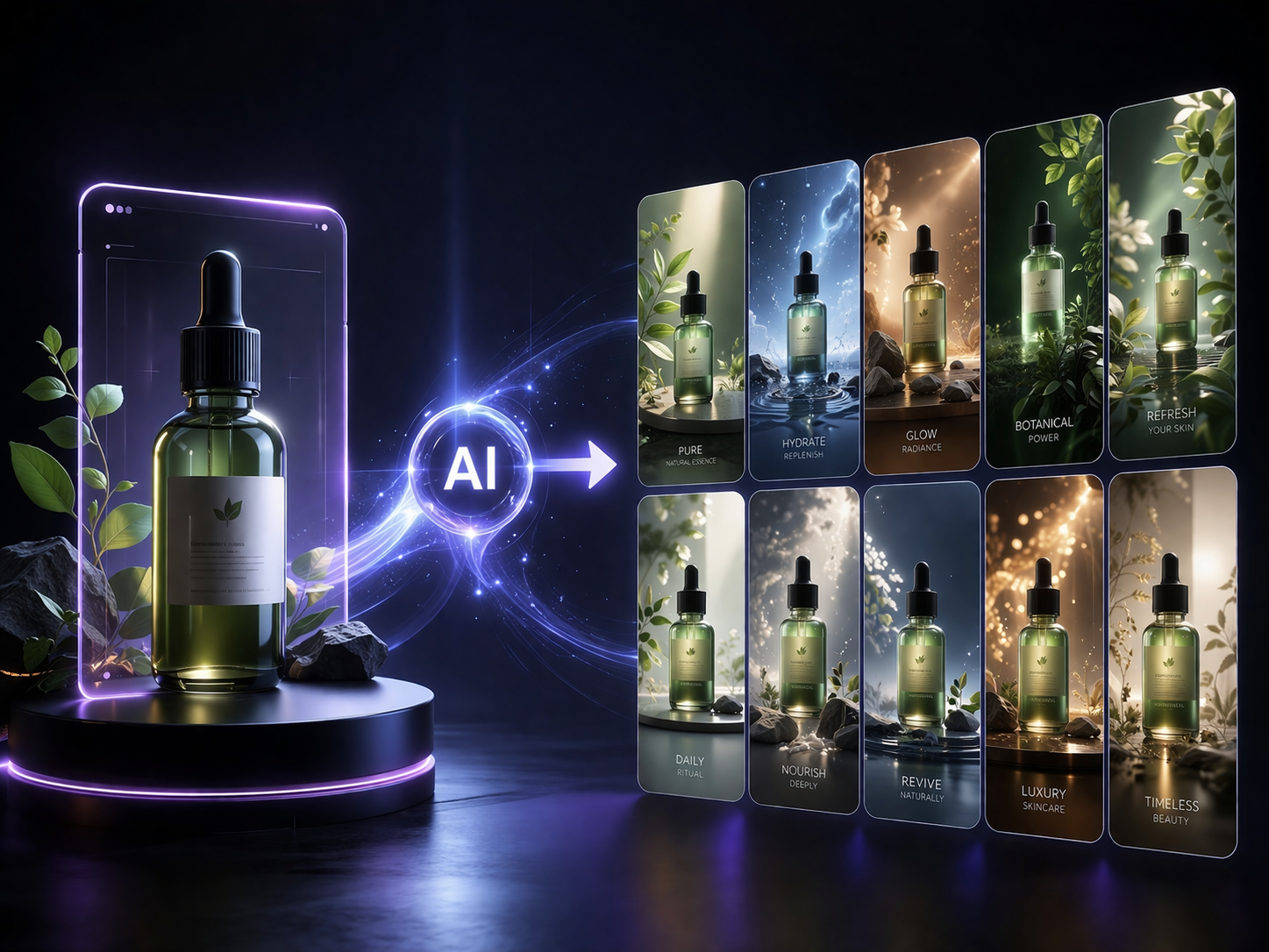
Create clean ecommerce product photos, campaign visuals, and lifestyle scenes from a product reference image or text prompt. Prompt: Create a premium ecommerce product ad for this skincare bottle, soft studio lighting, clean beige background, luxury cosmetic campaign style, space for headline text.
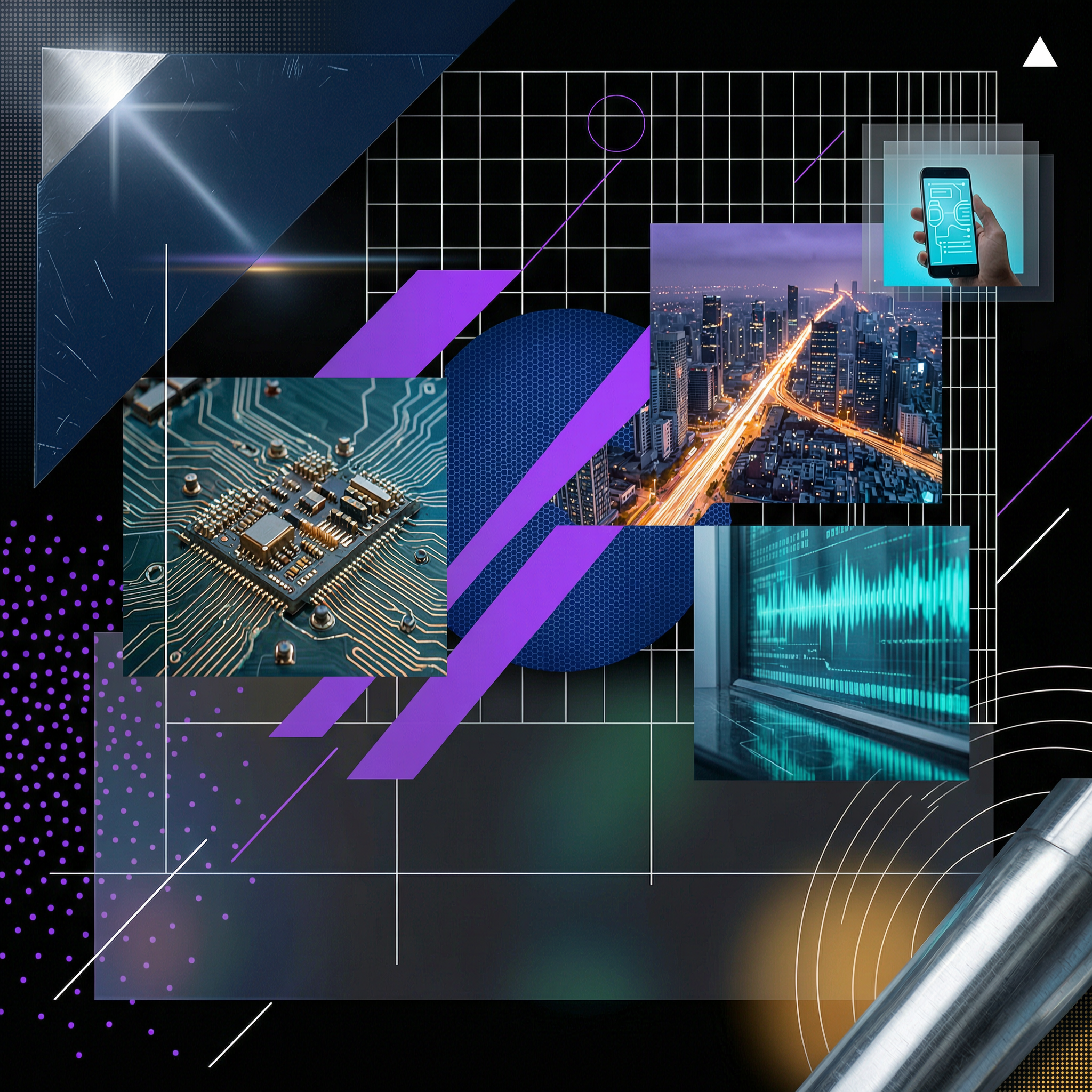
Design posters for events, product launches, music covers, promotions, and social campaigns with accurate layout instructions. Prompt: Create a modern launch poster for a new productivity app, bold typography, dark gradient background, clean futuristic style, centered phone mockup.
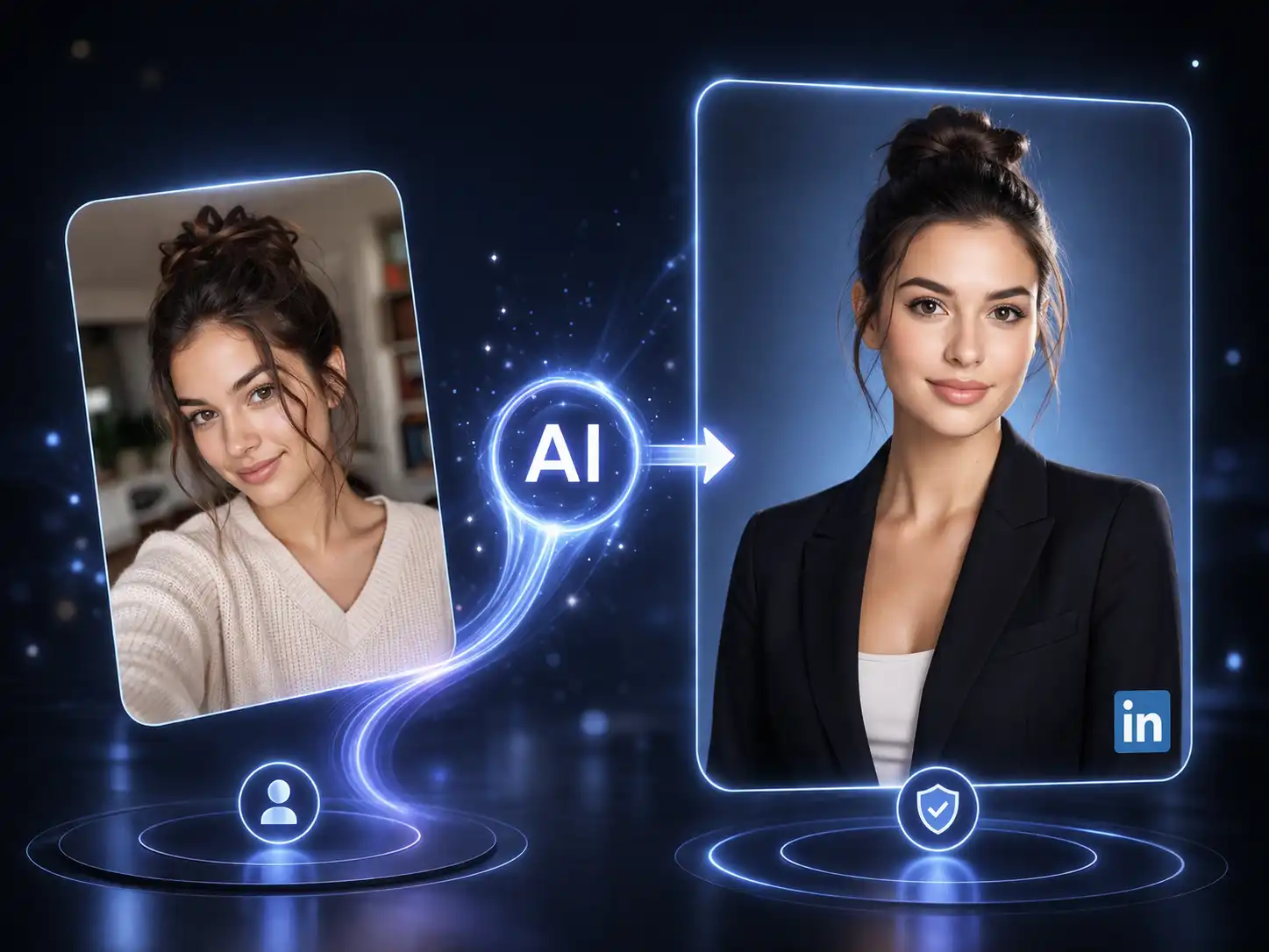
Generate professional portraits, profile images, and personal branding photos with controlled lighting, background, and style. Prompt: Create a professional headshot of a startup founder, natural studio lighting, neutral background, confident expression, clean business portrait style.
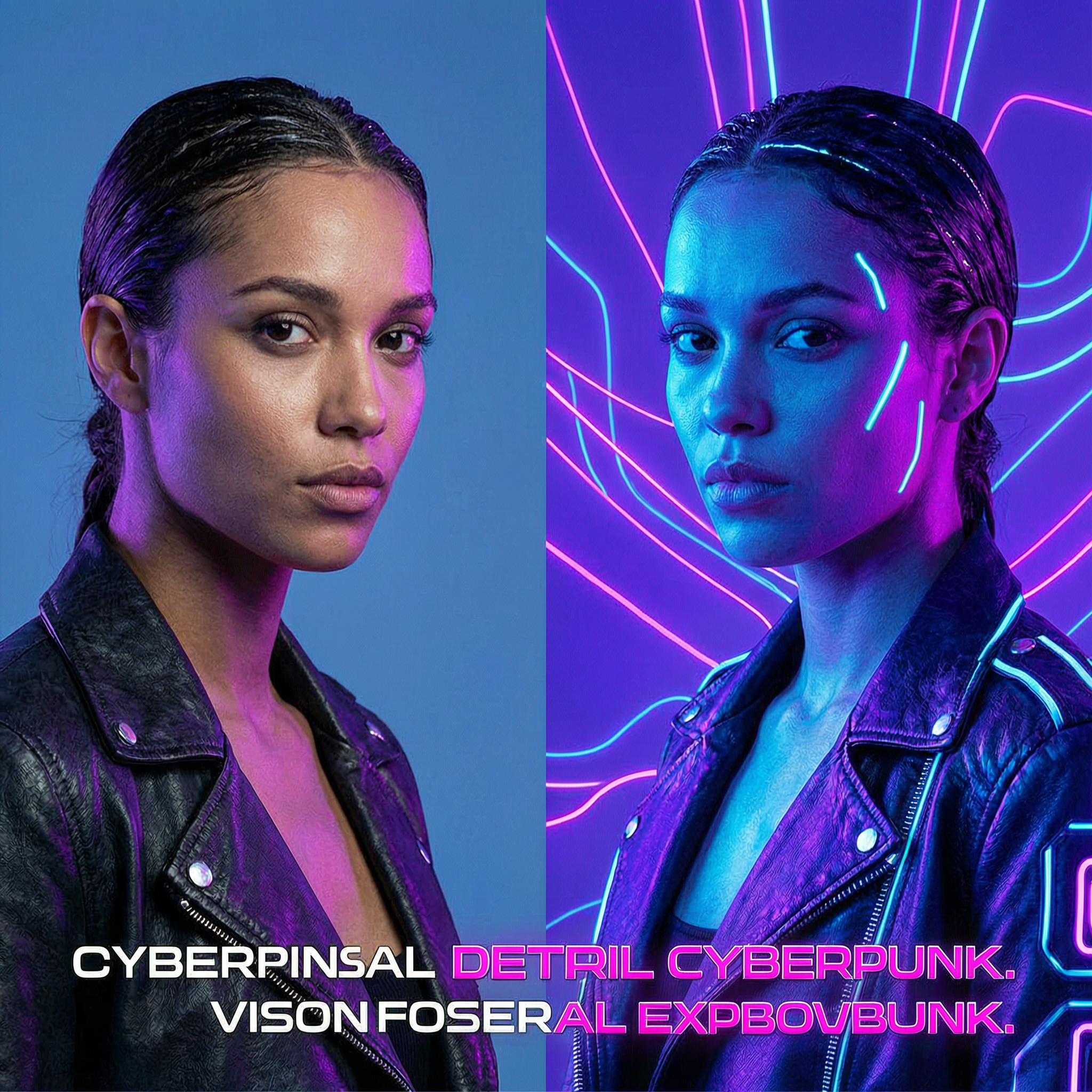
Upload a reference image and transform it into a new style, scene, background, or campaign-ready visual. Prompt: Transform this product image into a summer lifestyle ad, outdoor sunlight, beach background, realistic shadows, premium commercial photography.
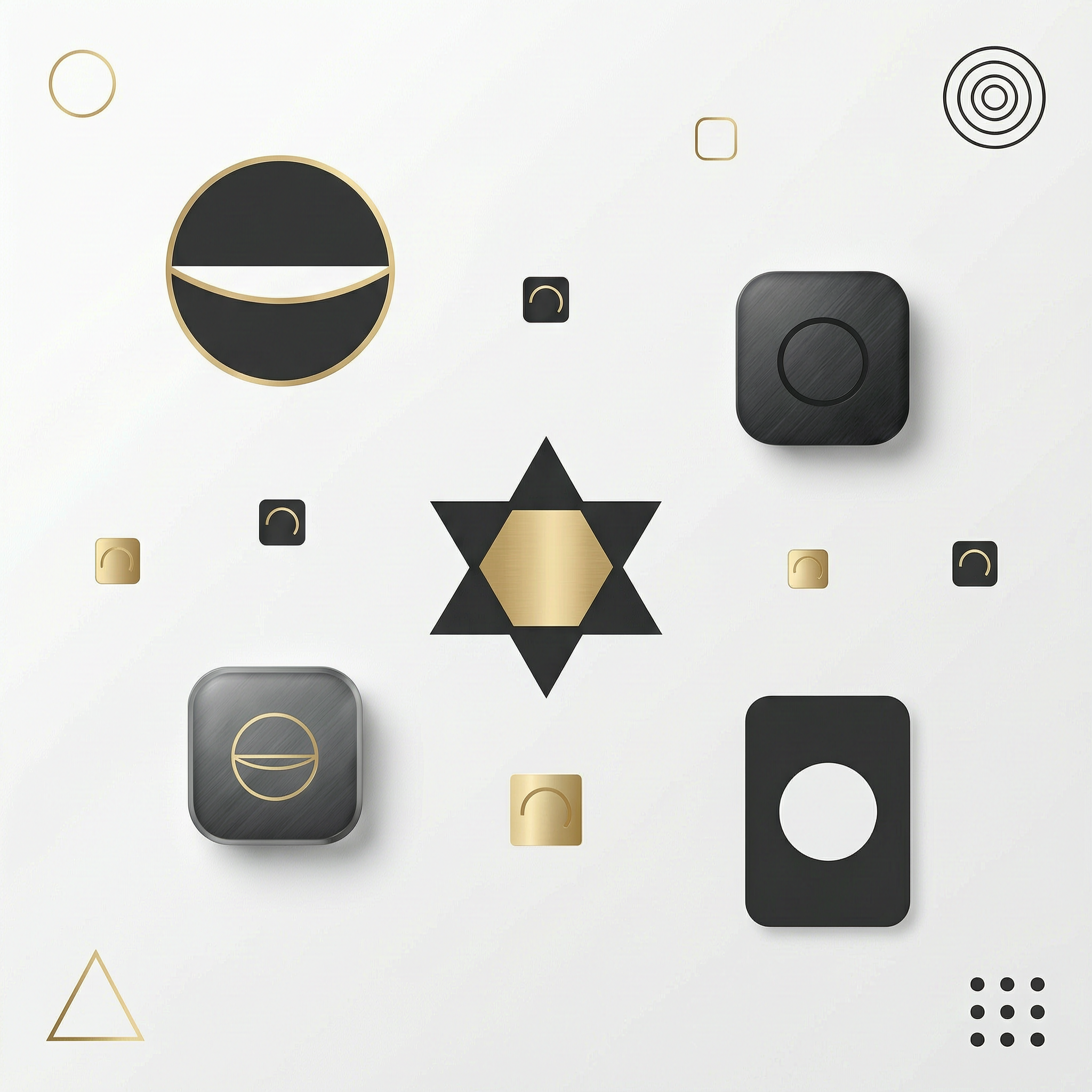
Replace plain, messy, or low-quality backgrounds with clean product scenes, studio setups, or branded campaign environments. Prompt: Replace the background with a clean modern studio scene, soft shadows, white marble surface, premium minimal ecommerce style.
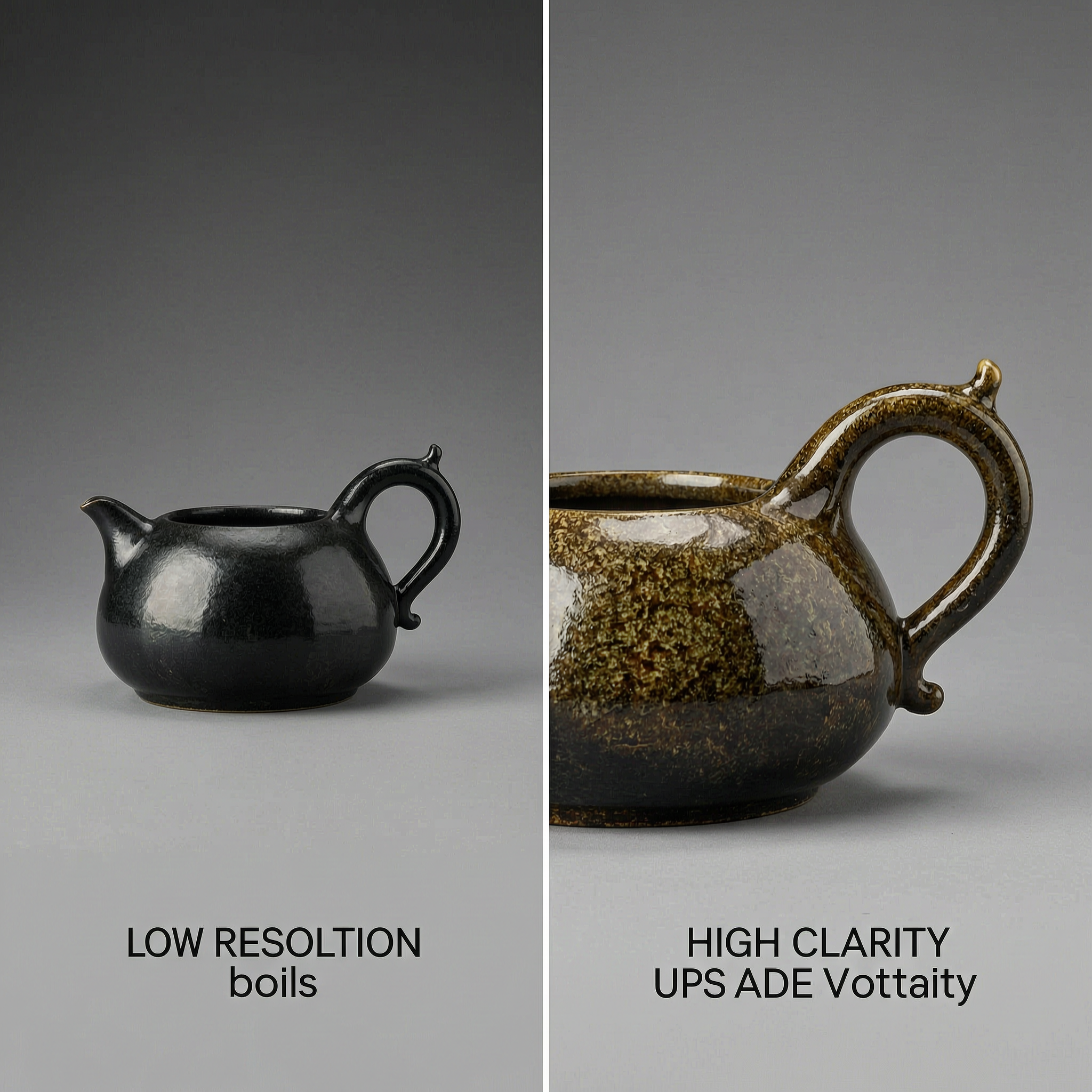
Upscale generated images, restore details, and prepare visuals for ads, ecommerce listings, presentations, and social media posts. Prompt: Upscale this image while preserving facial details, product edges, lighting, texture, and natural sharpness.
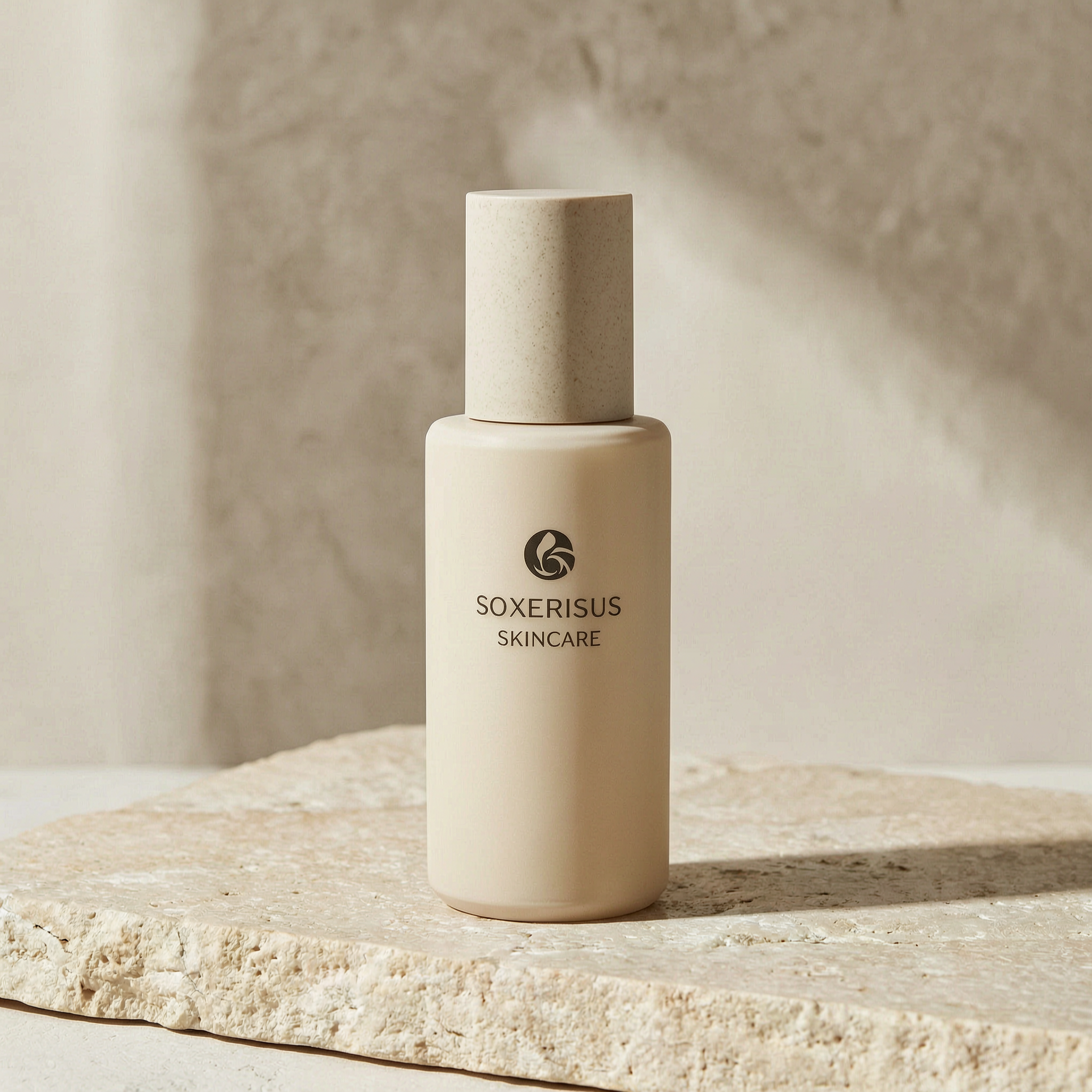
GPT Image 2 is an AI image workflow for generating and editing visuals from text prompts, uploaded images, and reference ideas. On image2ai, you can use GPT Image 2 online to create new images, edit existing photos, upscale results, and transform visual styles directly in your browser. It is built for practical creative tasks such as product ads, ecommerce photos, social media posts, posters, headshots, blog covers, campaign visuals, and branded content.
Create publish-ready visuals from clear prompt instructions.
Change backgrounds, lighting, composition, and style without manual retouching.
Use image to image AI to create campaign variations from uploaded references.
Prepare visuals for ads, ecommerce listings, presentations, and social media.
Generate product photos, banners, posters, and branded campaign visuals.
Download practical image formats for publishing and sharing.
Move from idea to final image in a simple browser-based workflow.
Enter a clear prompt that explains the subject, style, background, lighting, format, and final use case.
Generate a new image from text, upload a reference image, edit an existing photo, or upscale a previous result.
Review the result, adjust your prompt, regenerate if needed, and refine details until the image fits your project.
Export your final image as JPG or PNG for marketing, ecommerce, social media, design, or creative work.
Use image2ai as a complete AI image workspace for generation, editing, upscaling, and image transformation.
Create images from text prompts for ads, posters, products, portraits, illustrations, and social media content.
Edit photos with natural language. Change backgrounds, adjust lighting, refine details, and modify image style.
Upload a reference image and generate a new version with a different style, scene, layout, or creative direction.
Increase image resolution, recover details, and prepare AI-generated visuals for publishing and commercial use.
GPT Image 2 is useful when you need fast, editable, and publish-ready visuals without switching between multiple design tools.
Create ecommerce ads, product hero images, and promotional visuals.
Generate Instagram, TikTok, LinkedIn, and X visuals from simple prompts.
Design launch posters, event graphics, music covers, and announcement visuals.
Create professional portraits for founders, teams, creators, and personal brands.
Generate product banners, seasonal campaigns, and website hero images.
Create blog thumbnails, video covers, and content marketing visuals.
Start fast, stay in the browser, and build practical creative workflows around GPT Image 2.
Start with free credits and test GPT Image 2 before choosing a paid plan.
Generate, edit, upscale, and transform images directly in your browser.
Move from prompt to image, from image to edit, and from draft to final export in one workspace.
Create visuals for ecommerce, ads, social media, presentations, and client projects.
Download generated and edited images in practical formats for publishing and sharing.
Use natural language to describe what to generate, change, remove, replace, or enhance.
Instead of using separate tools for text-to-image generation, photo editing, image-to-image transformation, and upscaling, image2ai brings these workflows together around GPT Image 2.
| Workflow | What You Can Do |
|---|---|
| Text to Image | Generate images from prompts |
| Image to Image | Transform uploaded reference images |
| AI Image Editing | Modify backgrounds, lighting, layout, and style |
| AI Upscaling | Improve resolution and detail |
| Product Visuals | Create ecommerce photos, ads, and campaign assets |
| Social Media | Generate posts, covers, thumbnails, and banners |
Use free credits to try GPT Image 2 online. Upgrade when you need more generations, higher-volume workflows, or commercial creative production.
Free credits available · Credit-based generation · Useful for individuals and teams · Suitable for marketing and ecommerce workflows · No desktop software required
Quick answers before you start using GPT Image 2 on image2ai.
Generate images from text, edit photos, upscale details, and transform visuals in your browser with image2ai.